



Bleep

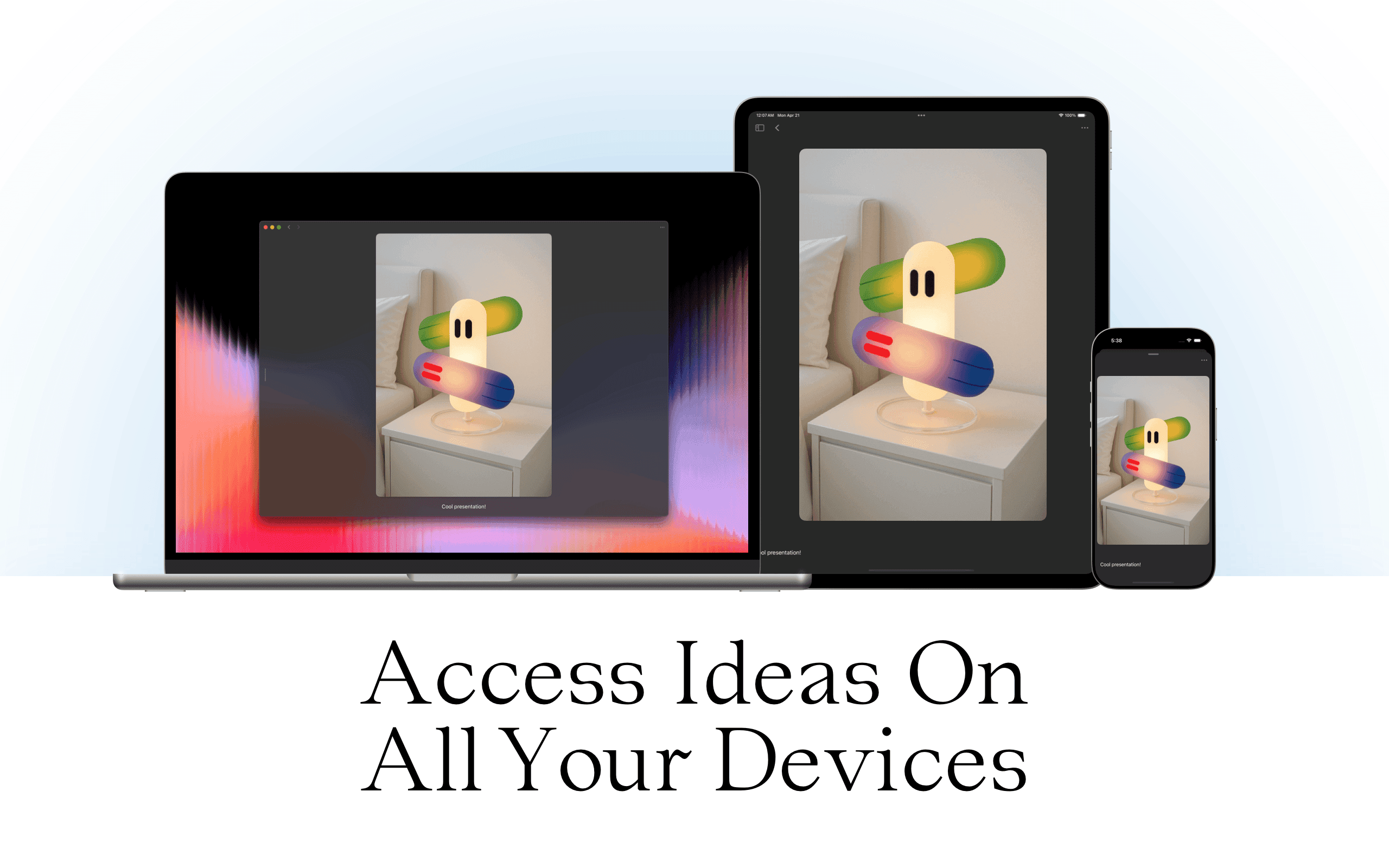
A native Mac, iPhone and iPad app for collecting and curating your notes, links, and inspirations. Soft, minimal, private, and synced with iCloud.


Get to know Bleep

Who’s behind Bleep?

Hey, I’m Rolando – designer, developer, and the maker of Bleep. My path into tech started with animation in Flash. I then was designing in Photoshop and Dreamweaver back in the early 2010s, more focused on visuals than code. But I kept wanting things to move, to react, to do something. So I started learning how the web actually worked. First with HTML and CSS, then slowly into JavaScript, backend logic, and full-stack development.
That curiosity turned into a career. I bounced between design and engineering roles at startups, always somewhere in between aesthetics and systems. But the side projects never stopped. I kept making small tools. Not to sell or scale, but because they solved something for me. One of those was Coleure, a color picker based on Pantone palettes, which marketing agencies ended up using and eventually, one of them acquired it. Another was Salvatore, a JavaScript library for building grid layouts that felt less rigid and more like a pinboard.
I’ve always been drawn to tools with soul. The kind of apps that feel like they were made by someone, not just generated from a template. Bleep came from that mindset, a space that’s thoughtful, quiet, and made to help you slow down and save what matters.


What’s Bleep and what’s so cool about it?
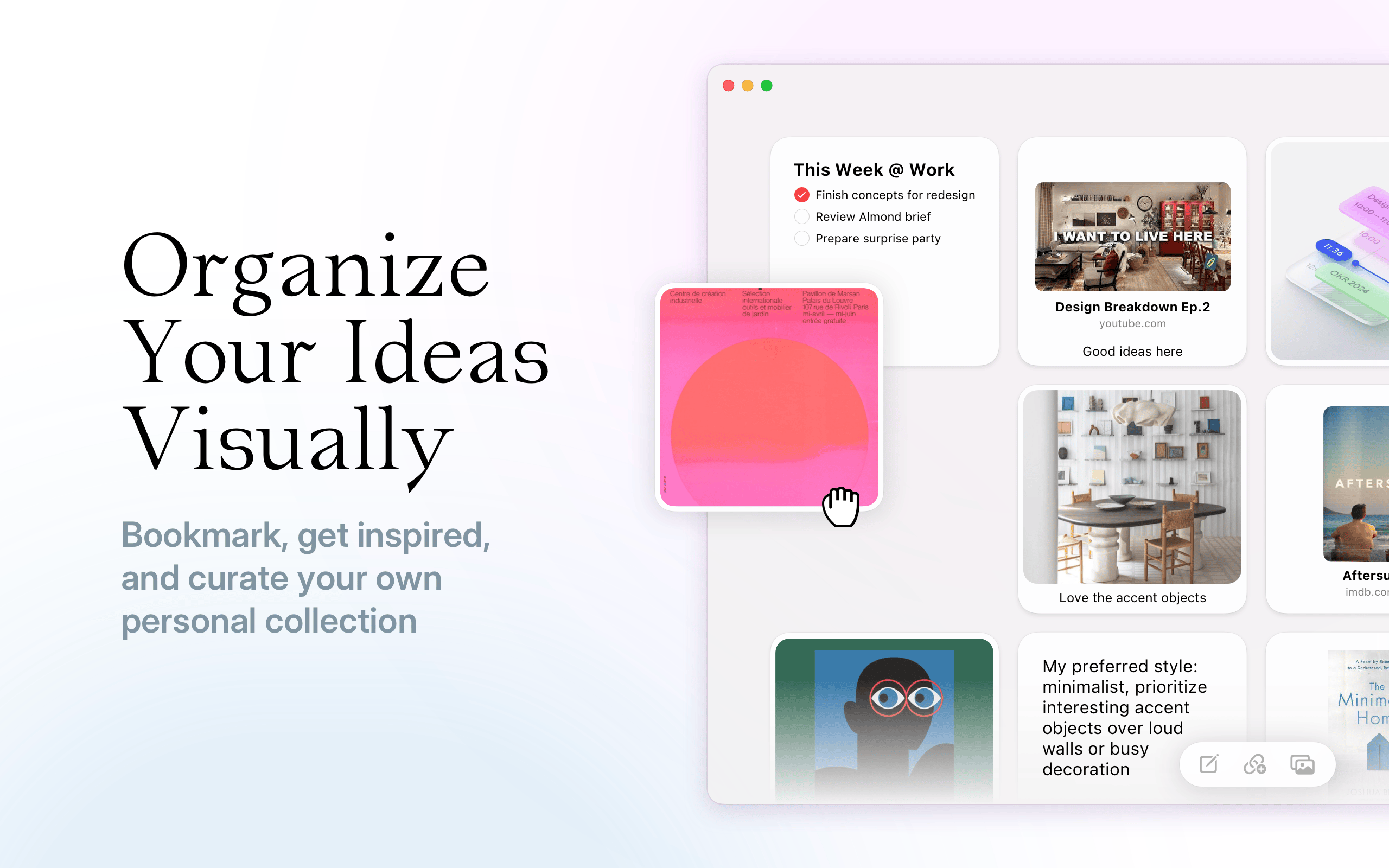
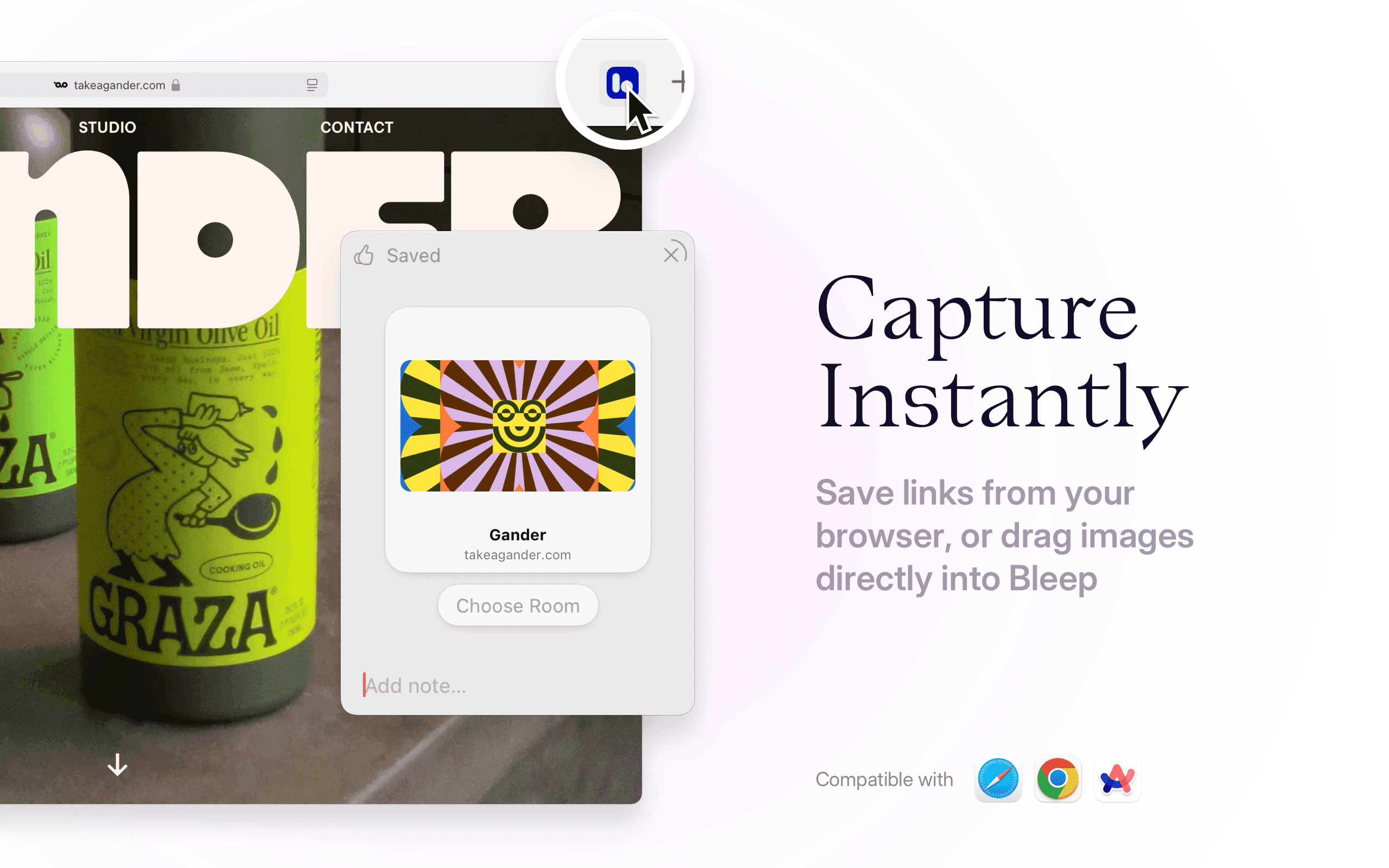
Bleep is a native Mac, iPhone and iPad app for collecting, organizing, and curating your thoughts, notes, and inspirations. All in one place.
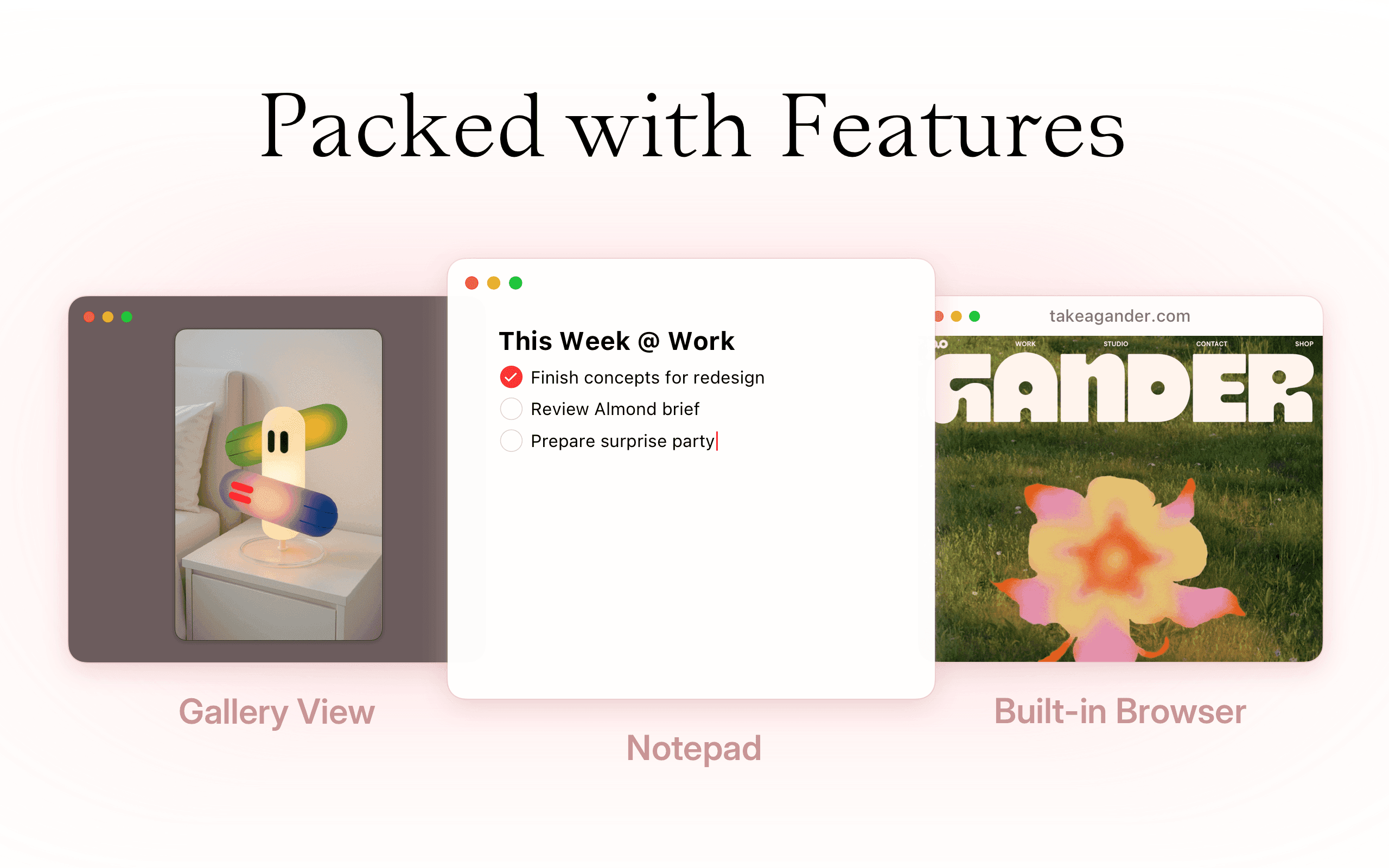
It sits somewhere between a notes app and a visual library. Think of it like a moodboard that’s actually useful. You can drop in links, images, text, anything really, and organize it in a way that feels natural to you. Not everything has to be about efficiency. Sometimes it’s about returning to something that made you feel something.
Bleep isn’t trying to replace your second brain. It’s not a productivity tool. It’s a creative space. It helps you slow down, reflect, archive, and make sense of what matters to you. It’s got just enough structure to stay organized, but enough freedom to make it yours.
There’s no signup, no server. Everything’s private, local-first, and synced across your Apple devices with iCloud. That intentionality extends to the design too. It’s minimal, soft, quiet. It gets out of your way, and just shows you your stuff. That’s it.
Bleep was inspired by a lot of the apps I’ve loved over the years. Things like Things, Delicious Library, and early Mac gems. But it also responds to what’s missing today: fun, thoughtful, native tools that feel like they belong on your desktop.
Tool Stack of Bleep
What’s under Bleep’s hood? Which technologies were used and why did you chose them?
Bleep is built fully in Swift. The UI is written in SwiftUI, and for certain parts that require more performance or legacy integration, I’m reaching into AppKit and UIKit.
It started as a web app using React – but mobile web limitations and the desire for a better, more native experience pushed me into macOS development. I’ve been doing native full-time ever since.
Data is stored locally with Core Data (which under the hood is just SQLite), and everything syncs with iCloud using CloudKit. That means I don’t run any servers, no backend, no external sync service. Just Apple’s native stack.
The website is built with Astro and vanilla JavaScript. I switched to Astro to make building documentation and help pages easier and to keep everything static and blazing fast.

Do you use any other tools to run the business?
Very few. My contact form runs on FormSpark. Super generous free tier, and no server setup needed. That’s pretty much it for recurring services.
I use Sketch instead of Figma. I love that it’s a one-time purchase, fast, and feels more native. Cursor is another essential for me. I use it heavily to integrate AI into my development flow, especially for repeatable logic.
No telemetry. No analytics. If people want to share feedback, they reach out directly. It keeps the experience more human.


What’s your personal stack? Which apps do you and your team love?
Sketch for design. Cursor for AI-assisted coding. Xcode and Neovim for building Bleep. Astro for the website. FormSpark for feedback.
I also get a lot of inspiration from older Mac apps and indie tools with real personality, things like Things, and Sofa. They remind me that software can be fun and opinionated and still be incredibly useful.
On the browser side, I mostly live in Safari. And I still do a lot of old-school tinkering, writing code by hand, experimenting with layouts, staying close to the tools.


Anything else you’d like to share?
Bleep is a quiet app for people who want to slow down. It’s not trying to make you faster or more productive. It’s for people who want to curate, archive, and return to the things that inspire them.
There’s a lot of tech chasing speed right now. I wanted to build something that encourages depth instead. If you’re tired of AI trying to summarize your life, maybe Bleep is what you need.
It’s still early, but I’m excited about where it’s heading. No roadmap, no hype cycle, just making something I love, and sharing it with people who might love it too.
Now, discover Bleep for yourself
Huge thanks to Rolando for sharing the story behind Bleep and the details on the building blocks that make it such an awesome bookmarking tool. Now test it out yourself and see if it's a great fit for you.