



Loop

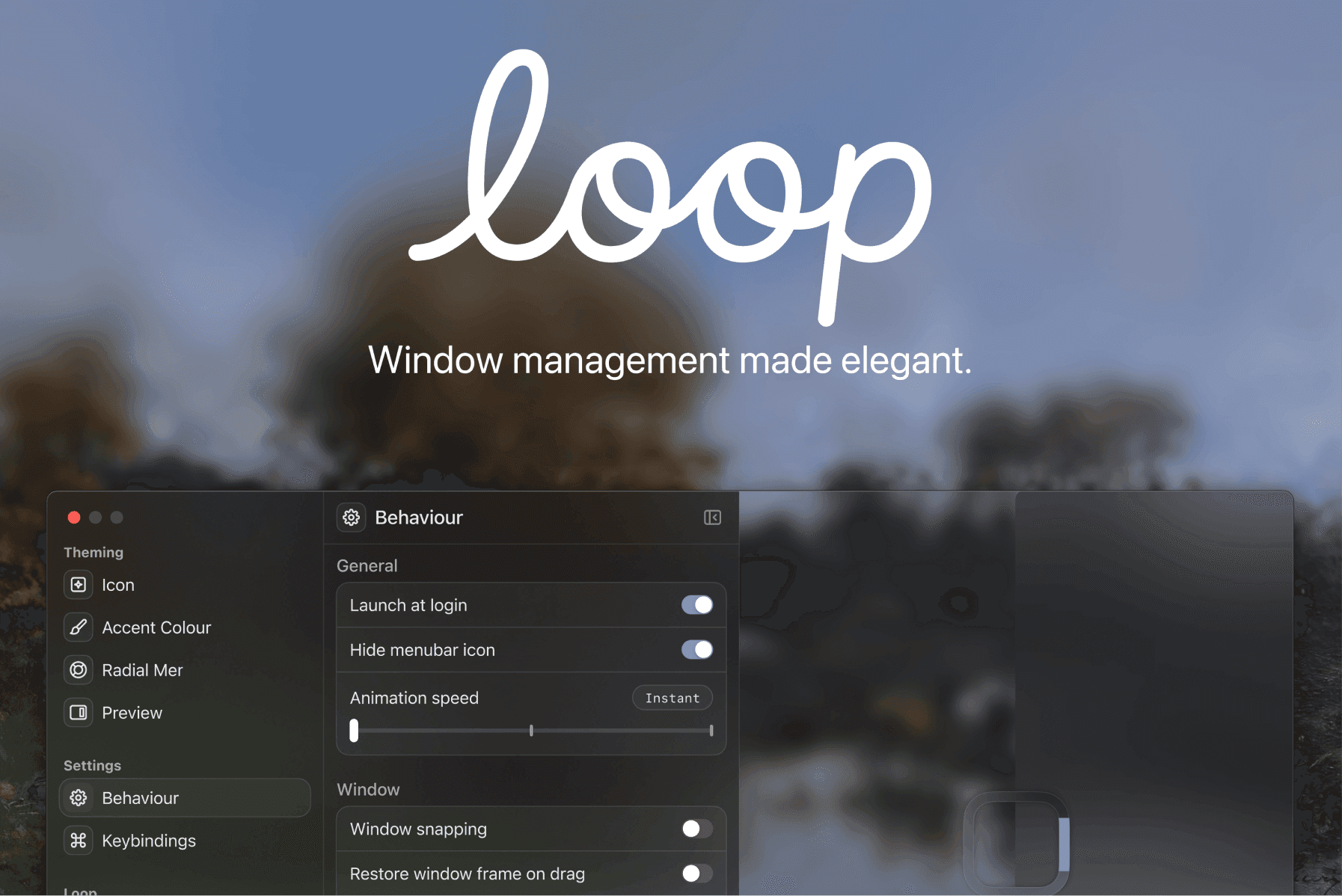
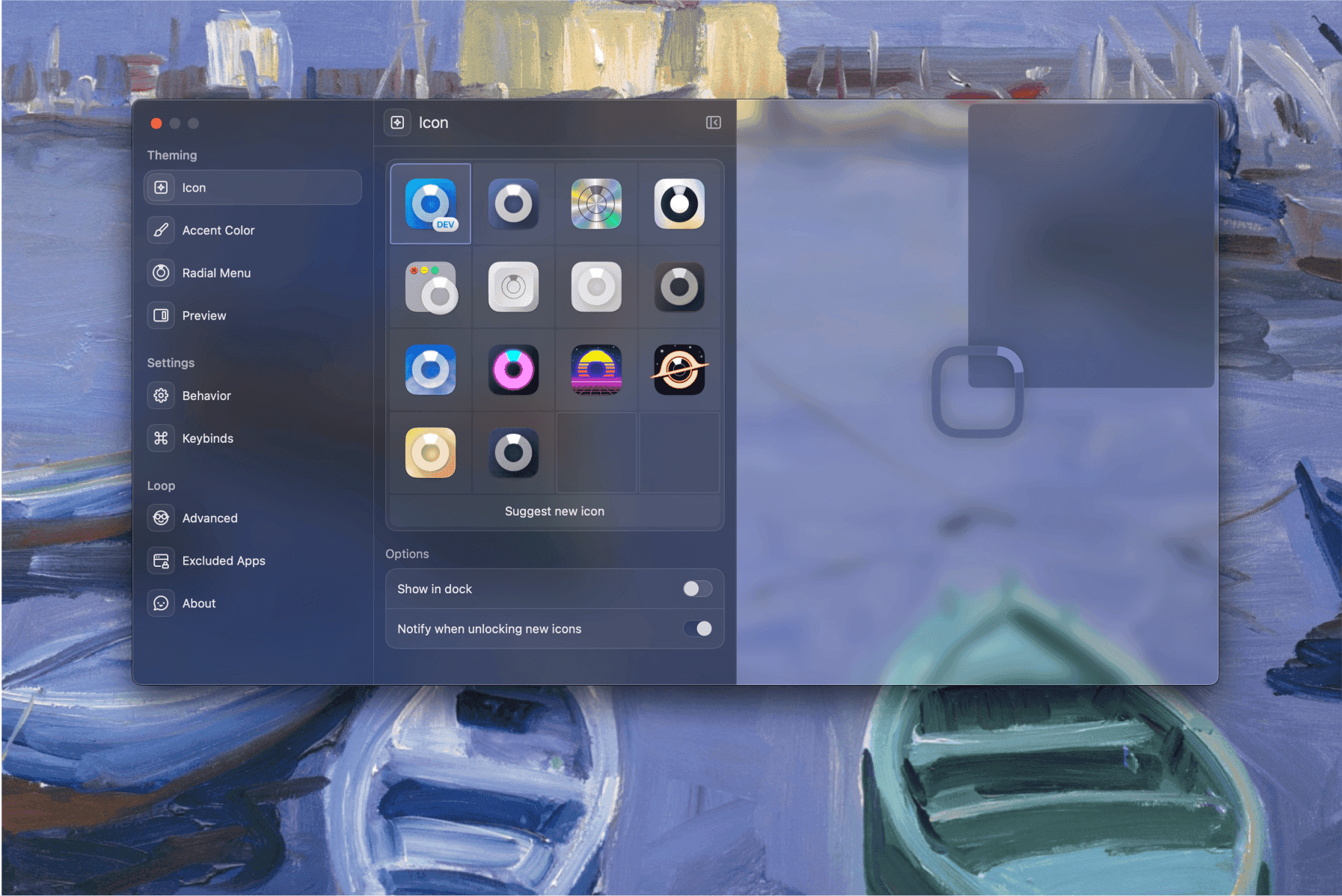
Loop is a beautiful, free, and open-source native macOS window manager built around a radial menu. It helps you move, resize, and organize windows faster and more intuitively – all through a clean, glass-like interface that feels right at home on macOS.


Get to know Loop

Who’s behind Loop?

Hey, I’m Kai – developer and original creator of Loop.
I actually started out in robotics. I was programming robots and wanted to control them from my phone, so I began learning how to build apps. I realized I loved creating software even more than building the robots themselves, and eventually started making utilities for my Mac.
Loop started as a small experiment. I was just playing around with UI ideas and built a radial menu that turned out to be perfect for managing windows. When I showed it to friends, they loved it and asked for their own copies. I posted it online, and suddenly a lot of people were downloading it.
That’s when Jace found it. He helped redesign the app from the ground up, bringing a new level of polish and identity to it. Working together felt natural – he has a crazy eye for design, and I love figuring out how to bring that design to life technically. At the time, I was still in high school, coding after classes, but seeing people use and love something I built kept me going.

And I’m Jace – designer and co-creator of Loop.
I’ve always been fascinated by the tools we use every day – the laptop you open every morning, the phone that’s always in your hand. You spend so much time with them, they should feel enjoyable. When I was younger, I got into software development because I wanted to make the things I used better. But over time I realized I got more satisfaction from designing, from seeing something visual come to life instantly, than from the slow feedback loop of coding.
I started teaching myself design, obsessing over what makes a product feel great. Eventually, people started noticing my work on Twitter, and I found myself designing full-time. I’ve always been drawn to detail, materials, realism. I hate boring apps, the kind that all look the same because everyone uses the same SwiftUI defaults.
So when I came across Loop, I immediately saw potential. Kai had built the foundation, and I wanted to help turn it into something that felt truly crafted – glassy, tactile, and alive.


What’s Loop and what’s so cool about it?
We both spend a lot of time on our computers, so we care deeply about how software feels. Most macOS apps, especially ones built with the default SwiftUI components, end up looking the same – gray, flat, and lifeless. We didn’t want that. We wanted Loop to feel different, more like a real object you can touch, something that feels alive on your desktop.
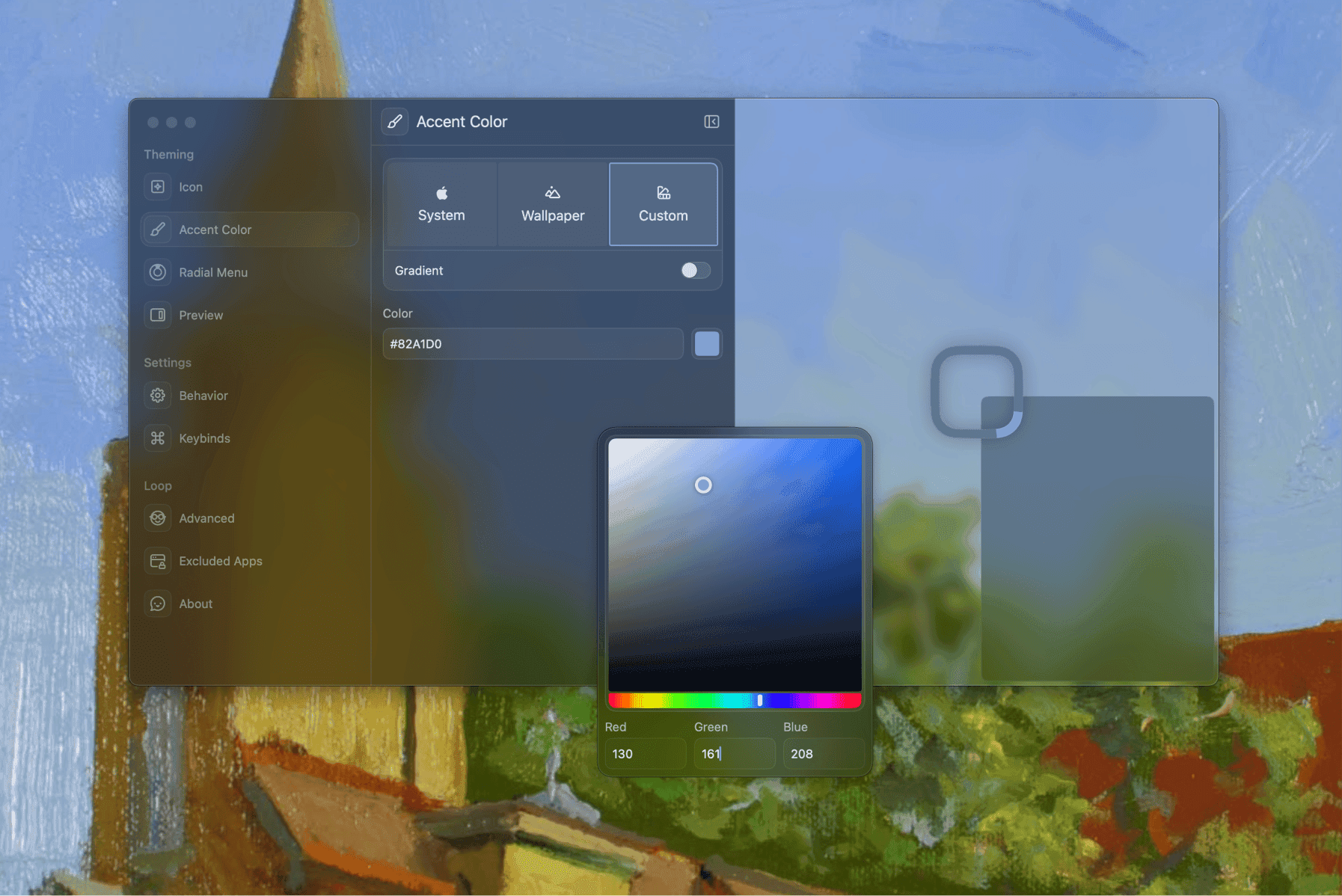
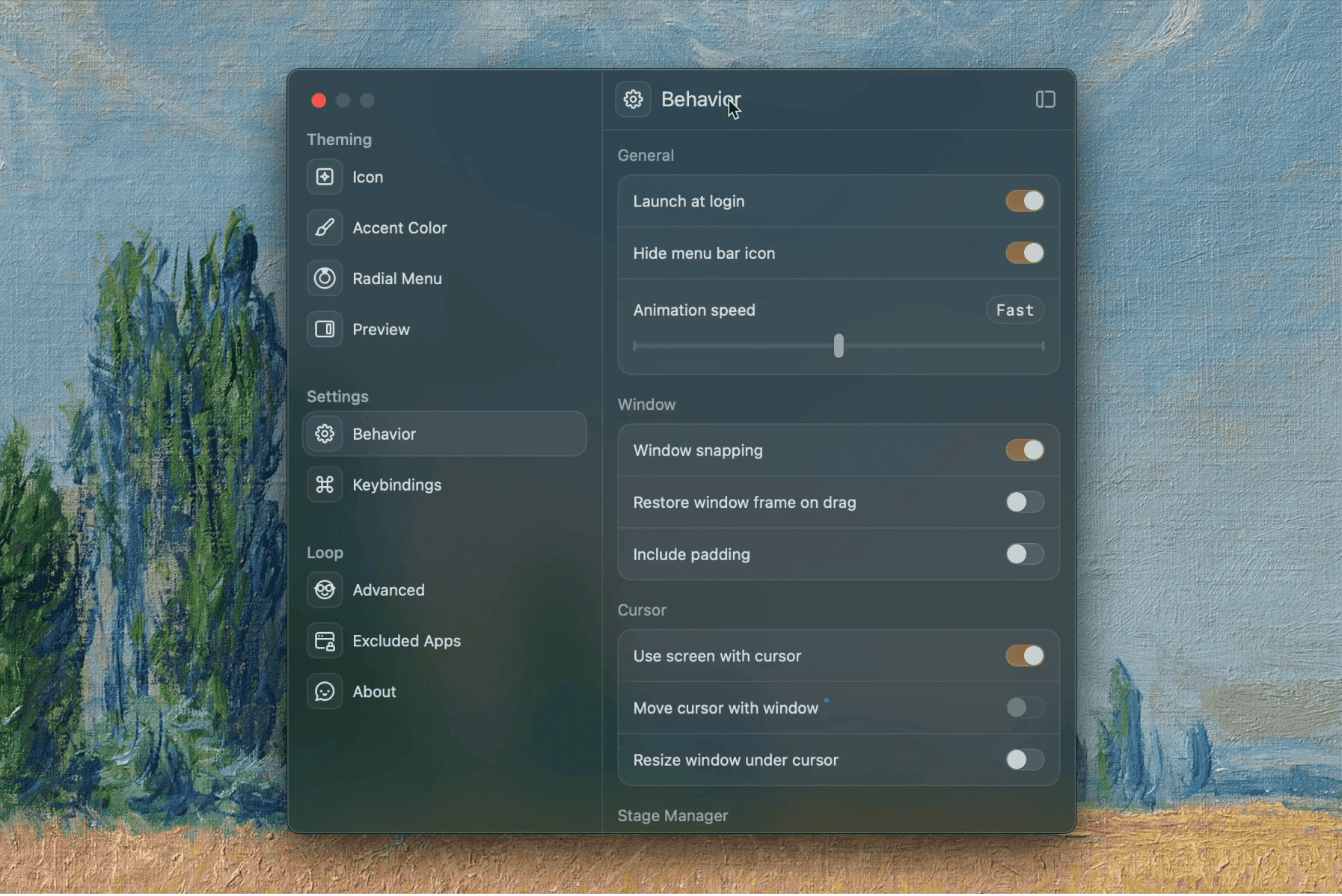
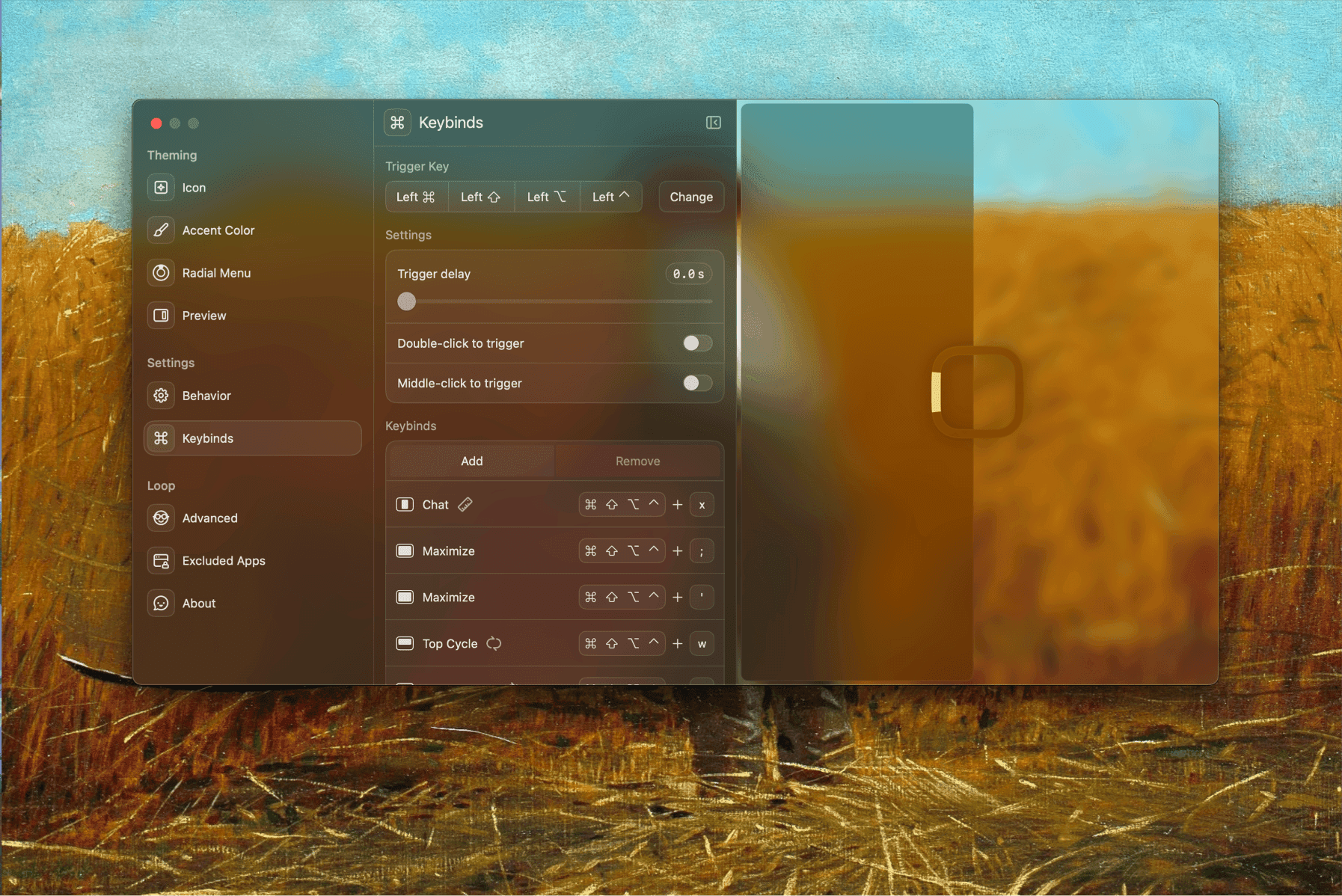
A big part of that came from our shared love for materials. In the physical world, materials make things enjoyable – the metal of your phone, the silicone case you choose, the way glass reflects light. We kept asking ourselves, why shouldn’t software have that same kind of personality? That’s why Loop has those translucent, glass-like surfaces that subtly reflect whatever sits behind them. Everyone’s setup is different – their wallpaper, their windows, their chaos – and Loop becomes a part of that instead of sitting on top of it.
At the same time, we wanted the interaction itself to feel effortless. The radial menu made window management feel almost instinctive. Instead of stuffing the app with endless toggles and features for the sake of it, we focused on making the simple things smooth, fast, and intuitive. The more we refined it, the more it felt like something you could use every day without thinking.
Designing and building Loop became this mix of obsession and iteration. We recreated every single macOS material and window element by hand in Figma, down to the pixel. Apple didn’t even have a proper UI kit at the time, so everything – the gradients, the reflections, the shadows – was made completely from scratch. One of the app icons even took seven hours.
Bringing all of that into code was its own challenge. We pushed past the usual limitations, even working around hidden macOS behaviors and private APIs to get the smallest details right. That level of care is what made Loop feel truly native, even while breaking a lot of the conventions of how macOS apps usually look. It’s a strange balance: familiar enough to belong on a Mac, but crafted enough to stand out the second you open it.
Tool Stack of Loop
What’s under Loop’s hood? Which technologies were used and why did you chose them?
Loop is built using Swift, SwiftUI, and AppKit – a mix that allows for both modern UI development and deep system control. The app connects through GitHub for updates, with a fully custom update system built from scratch.
Initially, Loop used Sparkle (a common updater for macOS apps), but we found it too limiting. The documentation was hard to access and there weren’t enough examples to build from, so we threw it out and built our own. That decision set the tone for the whole project: if something doesn’t feel right, rebuild it better.
Everything lives on GitHub, and the entire project is open-source, including our custom glass UI library, Luminaire, which we released so others could build on it too.

Do you use any other tools to run the business?
We do most of our communication on Discord – it’s where the entire collaboration started, and where the Loop community now hangs out. For managing issues and contributions, we use GitHub Issues, since the project is open-source and people often suggest new features or improvements there.
All design work happens in Figma, where Jace built the entire UI from scratch – every window, icon, and effect.
Beyond that, we use the tools we love every day: Raycast for quick actions and productivity, Arc Browser for its design and vertical tabs, CleanShot X for screenshots, BetterTouchTool for keyboard shortcuts, and Karabiner-Elements to remap keys and customize macOS behavior.
We both love tools that are built with care and intention, apps that do one thing well and feel great to use.


What’s your personal stack? Which apps do you and your team love?
We both use our Macs in very different ways, but we share the same appreciation for tools that feel intentional and well-crafted. A lot of our setup is built around efficiency. Keyboard shortcuts play a huge role – BetterTouchTool is basically essential, with custom bindings for almost everything. Loop sits at the center of it all, and we use it constantly.
We’re also pretty picky about the apps we rely on. Tools like Karabiner-Elements, Raycast, CleanShot X, and Arc have become part of our everyday flow. They’re not always perfect, but when something does one thing extremely well, we tend to stick with it.
On the development side, everything happens in Xcode. It integrates cleanly with macOS and gives full control over how things are implemented. We’ve tested AI-assisted editors like Cursor, but writing code ourselves is still the most reliable way to keep things consistent and truly understand how it all works.
Raycast is one of those apps we’d have a hard time living without – especially the features like kill process or even the tiny details like color previews in the clipboard. And Arc just matches the way we think and work: vertical tabs, great design, and an interface that doesn’t get in the way.
Overall, we gravitate toward tools that feel considered, fast, and thoughtfully built – the same qualities we try to bring into Loop.


Anything else you’d like to share?
Loop’s been growing slowly but steadily, and we’re incredibly grateful for the community around it. People send ideas, bug reports, and feature suggestions every week. At this point we’re more focused on being selective with what we add – choosing features that highlight what makes Loop unique. Polish still matters a lot, but it sits right alongside new feature work rather than taking over.
There’s something special about building something people use every day – and even more when it’s something open-source and personal. That’s what keeps us working on Loop.
Now, discover Loop for yourself
Huge thanks to Jace and Kai for sharing the story behind Loop and the details on the building blocks that make it such a uniquely crafted tool. Now go check it out yourself and share it with anyone who needs a beautiful window manager.